|
Board Game |
| Watch this video to learn how to click and download the BoardGame demo project and then use that project as a starting point for this assignment. Write a program that allows two players to play a board game. Your program must draw a game board with at least 15 game board squares. Sketch the interface on graph paper and label the top, left corner point of each game board square with x, y coordinates before you begin writing code. You may resize the form but be sure to account for the menu that takes up about 30 pixels at the top of the form. Here is a blank graph paper that you can use to draw your interface if you don't mind having a board game limited to the 300 pixel width and height of the default form. Use two picture boxes to represent the players. A random number must be generated when a player clicks a picture box that represents a dice cup, a spinner, or some other suitable graphic. That player's picture box must move to the correct position on the board. Then the other player must automatically get his/her chance to move. When the first player reaches the end of the game, the winner must be acknowledged and the game should automatically reset. You must add three or more special squares to make the game interesting (i.e. like the chutes and ladders in the game Chutes & Ladders or squares that earn a player a free turn.) You must also add one or more sounds (e.g. sound of dice tumbling, computer voice directions, etc.) and you must use decorate the game board with interesting graphics and color to make the game appealing. Make sure that you add the necessary graphic files as "Project Resources". See the instructor if you have questions about this process. Extra Credit - I don't recommend working on extra credit options until you've completed the specs above!
These videos will help you with the development of this project. Your program must follow the Visual Basic Coding Standards. Review the Program Check Off list. Upload the following files to the location specified by the instructor. Your first name and last initial should replace "JohnD" in the filenames
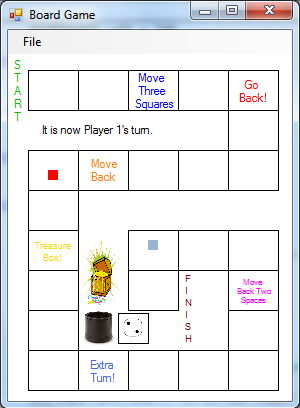
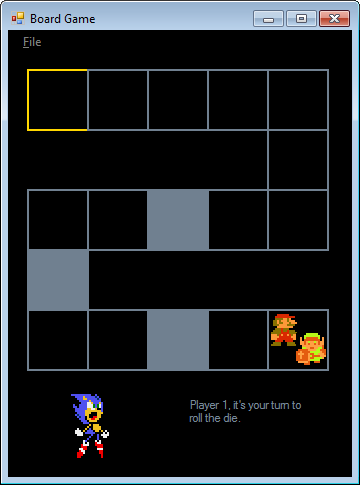
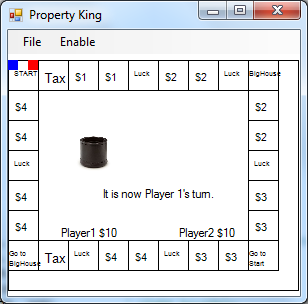
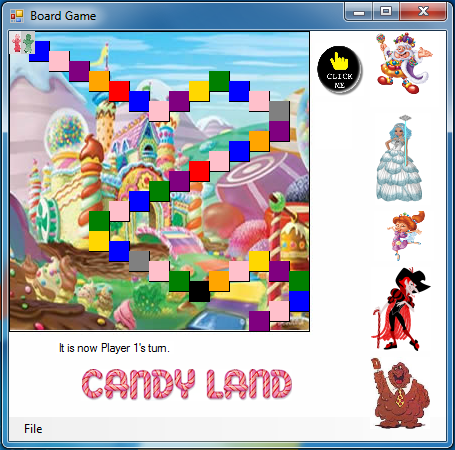
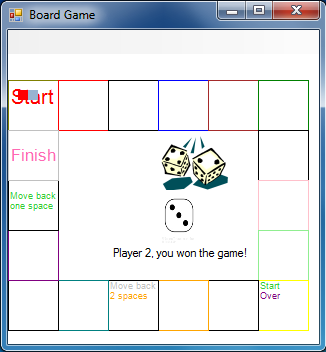
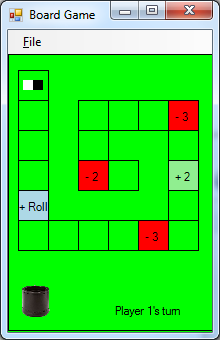
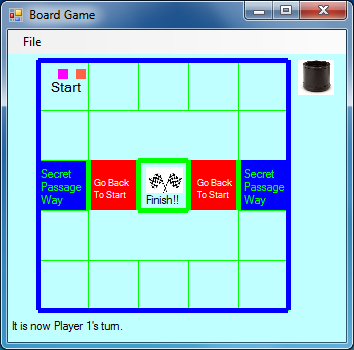
Examples of former students' projects. Click on a graphic to watch the game: 2013: Paul F, Jocelyn D, Rohan R, Connor A, Clark D, Danielle S, Amber S, Mara T, Mikayla A, Jack M, Nat G, Matthew S, Fabrizio F, Robert M, James S, Jason K, Sonia S
2012:
|